
IPTV guides, comparisons and deep dives.
Tutorials for iOS, Android and Android TV — plus Smart Collections, TMDB, OpenSubtitles, Trakt, Jellyfin, AI Enhance and format comparisons.
 Latest
AI for IPTV Playlist Cleanup — Review, Don't Autopilot
Assisted catalog hygiene with human review — not unsupervised renames and not a conversational AI assistant.
IPTV DVR Explained — Record to Storage You Control
Install Home DVR on your Mac, PC or NAS, then schedule recordings from the GridStreamr mobile app onto your own disk — not a cloud vault, and not the same as provider TimeShift.
IPTV EPG Explained — Guides, Global EPG and Mapping
EPG is the TV guide for your channels. Here's how you attach one in GridStreamr — and why connecting a source alone isn't enough.
Multi-Provider IPTV Household Setups
Separate sources, purpose collections, PIN for kids, virtual shares for relatives — one place to run the household lineup.
Secure Sharing vs Password Sharing for IPTV
Virtual credentials and revocable shares are the smarter alternative to screenshotting panel passwords into chat.
Self-Hosting IPTV with Jellyfin — One Client, Two Libraries
Jellyfin owns your files; IPTV credentials stay in GridStreamr sources. Premium brings both into one daily-watch client.
Virtual Credentials for Shared IPTV Playlists Explained
Generated Xtream-style logins for your Smart Collection — scoped, revocable, and never your real panel password.
What Is an M3U Playlist? IPTV Files Explained
M3U/M3U8 is the lingua franca of IPTV interchange — universal import, weak structure, easy to leak when emailed.
What Is Xtream Codes? IPTV API Explained
Xtream-style panels expose IPTV via an HTTP API — three fields instead of parsing a giant M3U on every launch.
When You Need an IPTV Playlist Manager
When favorites are not enough — you need a control plane, not another skin for one playlist.
Why IPTV Playlists Become Messy — and How to Fix Them
Provider playlists are built for their panels, not your living room. Curate once in Smart Collections instead of living in the raw tree.
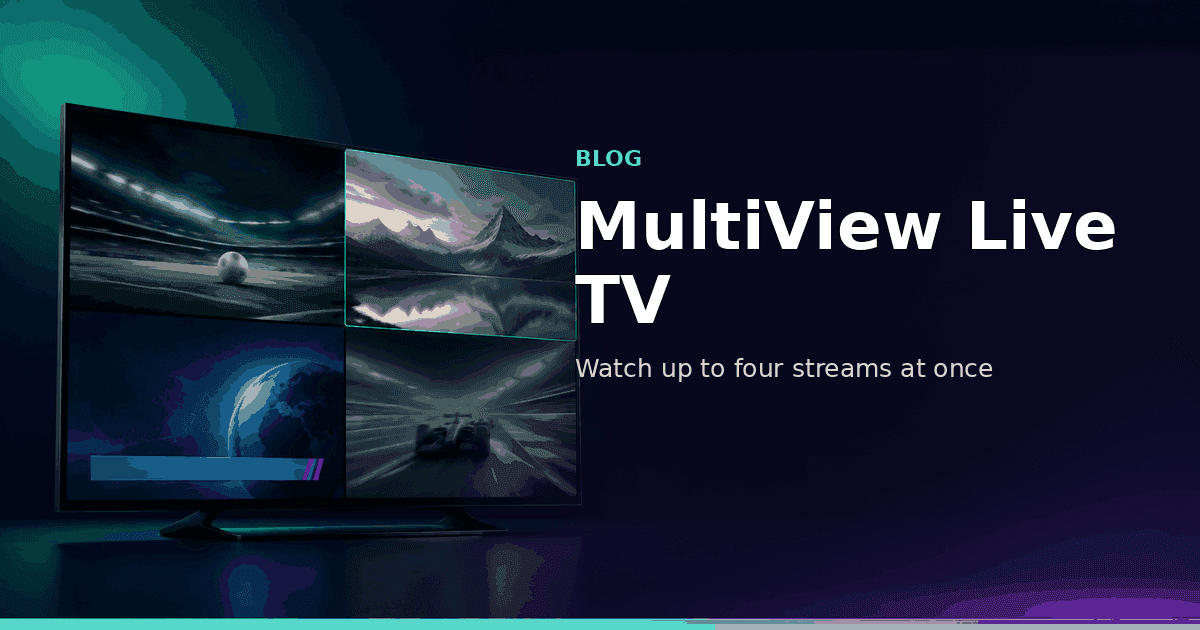
MultiView: Watch Up to Four Live Streams at Once
GridStreamr's new MultiView feature lets you configure split-screen sessions on your phone and instantly watch up to four live streams simultaneously on mobile or Android TV — perfect for sports, news and multi-camera setups.

Jellyfin Integration: Stream Your Self-Hosted Library from GridStreamr
GridStreamr now connects to your Jellyfin media server. Browse movies and series with rich metadata, switch subtitles and audio tracks live, and resume watching on iOS, Android and Android TV — all from one app.
GridStreamr vs IPTV Editors: AI Playlist Cleanup in Minutes, Not Days
Tired of manually renaming channels and matching EPG in IPTVeditor or M3U tools? GridStreamr Smart Collections plus AI enrichment and auto-EPG matching replace hours of playlist surgery with a review-first workflow on iPhone and Android.
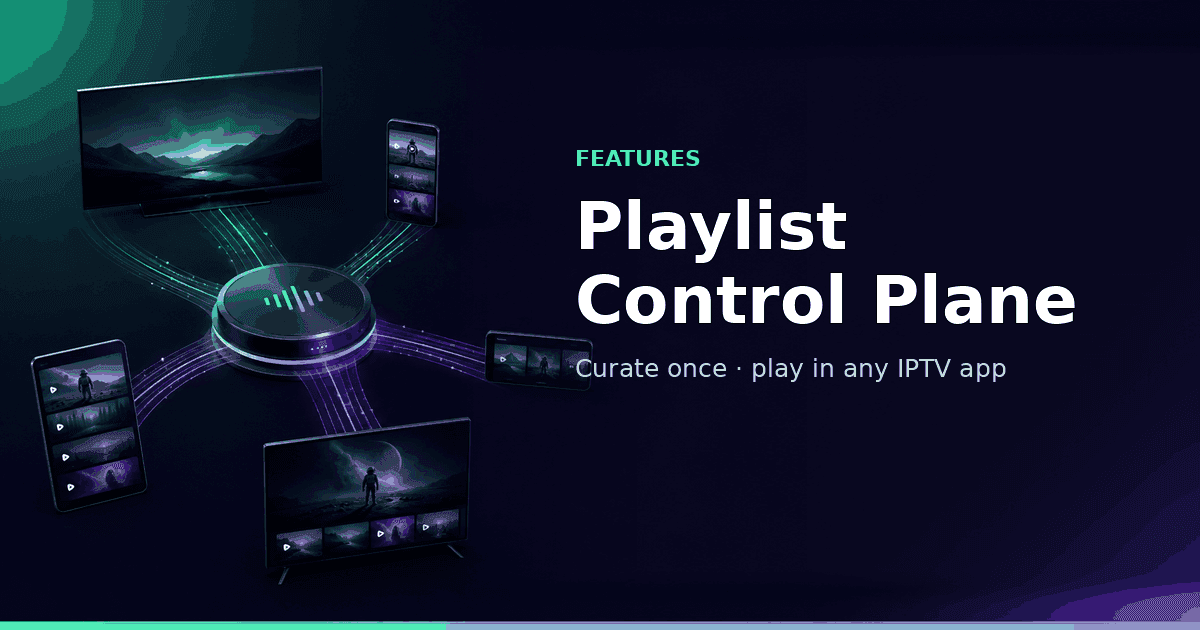
GridStreamr: The IPTV Control Plane for Perfect Playlists in Any App
GridStreamr is the IPTV control plane for enthusiasts: curate Smart Collections once, then open them in TiviMate, IPTV Smarters Pro, IBO Player, Kodi, or VLC via Xtream or M3U share links—and in Jellyfin or Plex via M3U (home-server setup).
Best IPTV App for Android TV in 2026
GridStreamr for Android TV brings Smart Collections, Xtream Codes support and a big-screen EPG guide to your TV. Here's what to look for in a great Android TV IPTV app.
Best IPTV App for iPhone in 2026
What makes a great IPTV app for iPhone? We look at Xtream Codes support, M3U compatibility, EPG, Smart Collections, and sharing, and why GridStreamr leads the pack in 2026.

How to Curate a Family-Friendly IPTV Library with Smart Collections
Use GridStreamr Smart Collections to build a kids-safe IPTV list, pick only the channels your family needs, remove adult content, and share securely without exposing your provider login.
How to Add EPG to Any IPTV Playlist
Tired of logo grids with no schedule? Here's how you add a real EPG in GridStreamr — Xtream provider EPG, Global EPG mapping, Premium AI auto-match, and XMLTV export for your other players.
How to Combine Multiple Xtream Codes Subscriptions into One Playlist
Step-by-step guide to merging channels from two or more Xtream Codes providers into a single Smart Collection in GridStreamr, no manual M3U editing required.
How to Catch Up on Live TV with TimeShift in GridStreamr
TimeShift lets you browse and watch past live TV programmes, no recording needed. Here's how it works in GridStreamr and what your provider needs to support.
M3U vs Xtream Codes: Which Should You Use for IPTV?
M3U playlists and Xtream Codes are the two main ways to access IPTV content. Here's the key difference, when to use each, and why Smart Collections let you use both at once.
How to Share an IPTV Playlist Safely Without Exposing Your Credentials
Use GridStreamr Smart Collections to share live TV access with family or friends via tokenised URLs, your Xtream Codes login is never visible to recipients.
What Is a Smart Collection? The Simple Way to Merge IPTV Playlists
Smart Collections let you combine channels from multiple Xtream Codes and M3U sources into one curated list, then share it securely without exposing your credentials. Here's how it works.
How to Clean Up Messy IPTV Channel Names with AI Enrichment
How GridStreamr uses hosted AI to clean up live channel names, detect quality and content type, find logos, and what Premium and in-app AI credits mean in 2026.
How to Add Posters and Metadata to Your IPTV Library with TMDB
TMDB enrichment upgrades your IPTV Movies and Series from a file dump to a catalog with posters, cast, ratings, and backdrops. Here's how to turn it on.
How to Share a Curated IPTV Playlist With Anyone, Safely
Sharing an IPTV playlist without leaking your primary credentials is easier than you think. Here's how smart collection sharing works, and how to keep it aligned with source permissions and household-safe practices.
Best IPTV Apps for iOS and Android Compared in 2026
Feature matrix plus researched app pricing — GridStreamr, TiviMate, Smarters, Televizo, and VLC.
Xtream Codes vs M3U: Which IPTV Format Should You Choose?
Xtream Codes and M3U are the two dominant IPTV formats. We compare them for speed, EPG quality, VOD support, and which to pick for your setup.
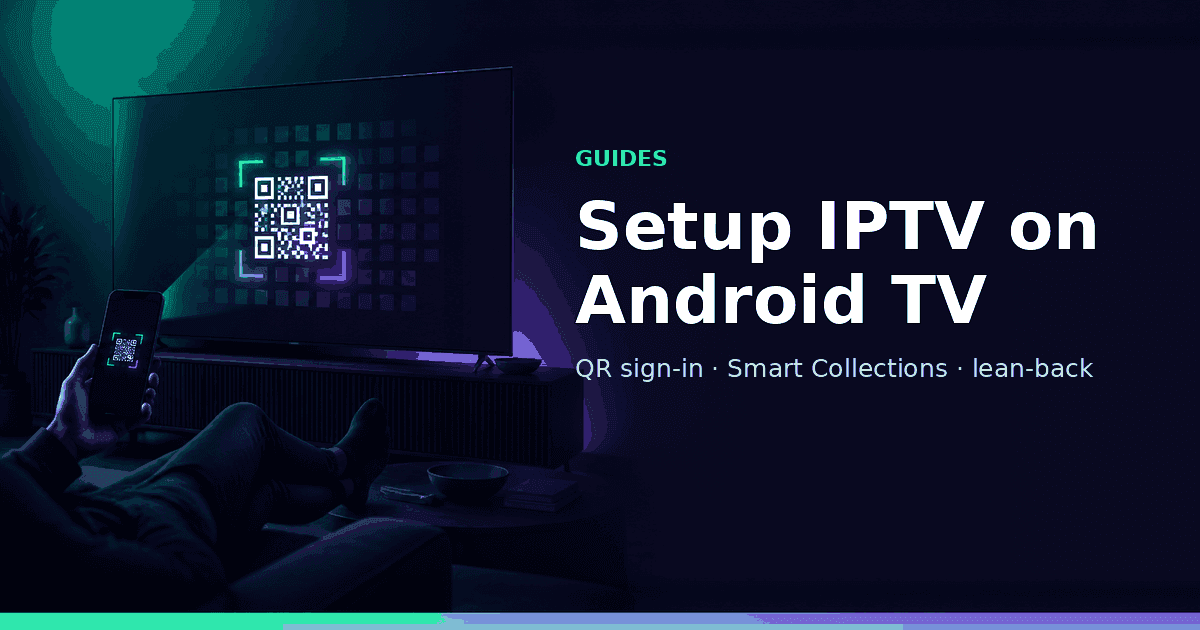
How to Set Up IPTV on Android TV: Xtream Codes Step-by-Step
Android TV watches Smart Collections only — phone-first Xtream setup, QR sign-in, lean back.
How to Set Up IPTV on iPhone and Android (Xtream Codes + M3U)
GridStreamr on iPhone and Android — add Xtream or M3U, curate a Smart Collection, map EPG, and watch in-app.