
When You Need an IPTV Playlist Manager
Signals you've outgrown a player-only IPTV app: multi-source mess, family shares, EPG mapping, AI cleanup and export to other players — and how GridStreamr fits as your control plane.
Responsible use
GridStreamr does not provide IPTV channels, VOD, or playlists. You bring your own authorized Xtream Codes or M3U sources. You are responsible for complying with applicable terms, licenses, and local law.
You have been starring channels for months, but every provider refresh scrambles your favorites. Your partner wants a different lineup than the kids. You are exporting to TiviMate on the living-room TV while curating on your phone. If any of that sounds like your household, you have outgrown a player-only app — you need an IPTV playlist manager.
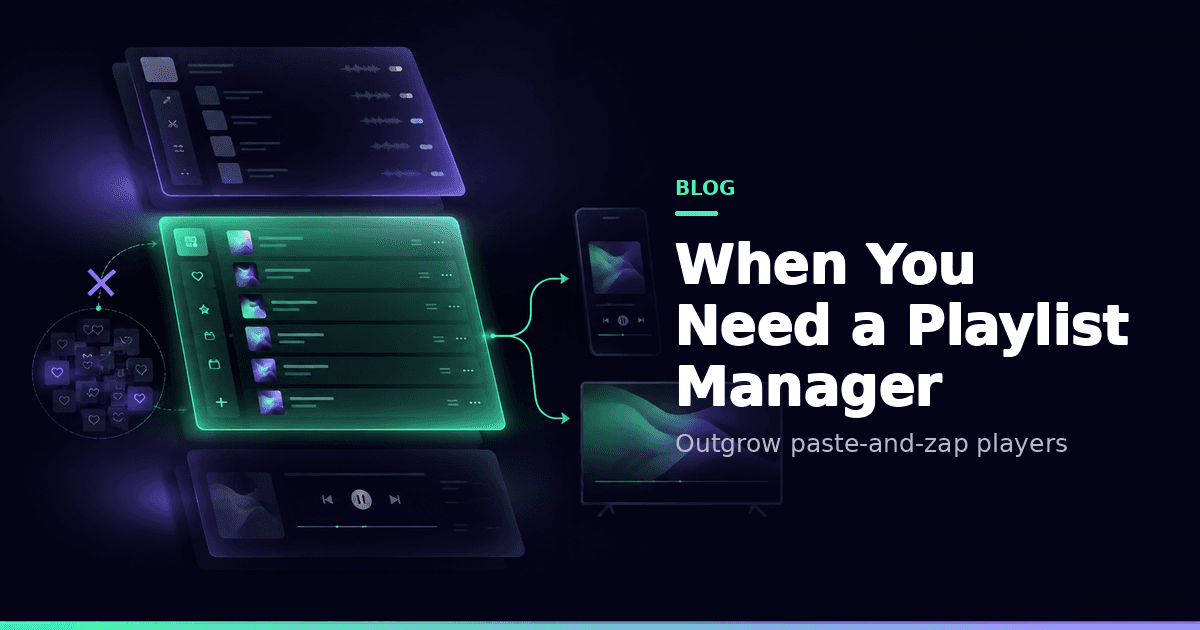
GridStreamr's manager layer is Smart Collections — with a full player on the same account. Think control plane, not just another skin.
Signals you outgrew player-only apps
- Two or more Xtream/M3U providers
- Kids and adults need different lineups
- You export to TiviMate or another TV player
- You want AI cleanup with human review
- You care about revocable shares instead of password forwarding
- Phone curates; TV only consumes
Player vs manager vs editor
| Role | Job | Example |
|---|---|---|
| Player | Watch | Lean-back skins |
| Editor | Surgically edit M3U files | Desktop M3U tools |
| Manager / control plane | Ongoing curated lineups, EPG, shares | GridStreamr Smart Collections |
Longer control-plane framing: IPTV playlist control plane and playlist control plane feature.
What GridStreamr adds as manager + player
- Merge Xtream + M3U into Smart Collections
- EPG mapping + XMLTV on shares
- Premium AI enrichment with review
- Secure virtual credentials
- Optional Jellyfin and Home DVR
- Playback on iOS, Android and Android TV
Hybrid setups are valid
Curate in GridStreamr, watch in TiviMate via export — that is intentional. Guides: export to TiviMate, use with TiviMate.
Free is a proving ground
| Free | Premium | |
|---|---|---|
| Smart Collections | 1 × 20 | Unlimited × 2,000 |
| Sources | 1 Xtream + 1 M3U | Unlimited |
| Full EPG / AI / DVR / Jellyfin | — | ✓ |
Compare tiers: Free vs Premium and pricing.
Related
Decision tree
- One playlist, never changes, one Android TV → a player-only app may be enough
- iPhone + Android TV + messy names → you need a manager with sync
- Kids + adults + guests → you need scoped shares and PIN collections
- NAS recordings + Jellyfin → you need a stack that includes homelab features
GridStreamr is aimed at cases 2–4 while still playing case 1 competently.
Cost of not managing
Without a manager, households re-enter credentials on every new device, re-favourite after every provider refresh, and argue about whose Smarters login is "the real one." The control plane model ends those arguments by making one curated list the source of truth.
Start with one Smart Collection
Prove the workflow on Free. Upgrade when the household outgrows twenty entries.
Frequently asked questions
What is an IPTV playlist manager?
Software that focuses on ongoing curation — merging sources, renaming, EPG mapping and sharing — not only pressing play on a single playlist.
Is GridStreamr only a manager or also a player?
Both. Smart Collections are the manager layer; the built-in player covers live, VOD, TimeShift, MultiView and more on Premium.
Can I still use TiviMate if I use GridStreamr?
Yes. Curate in GridStreamr and export virtual credentials or M3U Plus to TiviMate if you prefer that TV skin.
When is Free enough?
Free's single 20-entry Smart Collection is enough to validate the workflow. Multi-provider homes, full EPG, AI cleanup and DVR usually need Premium.
How is a manager different from an M3U editor?
Editors surgically edit playlist files offline. Managers keep living lineups, shares and EPG in sync across devices.
Does a playlist manager provide channels?
GridStreamr does not. You bring authorized Xtream or M3U sources.
Get started
Download gridstreamr free
Add your sources, build a Smart Collection, then upgrade to Premium in-app when you need more.
Related
Keep reading
GridStreamr vs IPTV Editors: AI Playlist Cleanup in Minutes, Not Days
Tired of manually renaming channels and matching EPG in IPTVeditor or M3U tools? GridStreamr Smart Collections plus AI enrichment and auto-EPG matching replace hours of playlist surgery with a review-first workflow on iPhone and Android.
Readarrow_forwardGridStreamr: The IPTV Control Plane for Perfect Playlists in Any App
GridStreamr is the IPTV control plane for enthusiasts: curate Smart Collections once, then open them in TiviMate, IPTV Smarters Pro, IBO Player, Kodi, or VLC via Xtream or M3U share links—and in Jellyfin or Plex via M3U (home-server setup).
Readarrow_forwardHow to Curate a Family-Friendly IPTV Library with Smart Collections
Use GridStreamr Smart Collections to build a kids-safe IPTV list, pick only the channels your family needs, remove adult content, and share securely without exposing your provider login.
Readarrow_forward