
AI for IPTV Playlist Cleanup — Review, Don't Autopilot
How AI-assisted IPTV cleanup should work for you: names, logos and tags with human review. GridStreamr AI Live Channels Enrichment, credits, and how it differs from TMDB or a chat assistant.
Responsible use
GridStreamr does not provide IPTV channels, VOD, or playlists. You bring your own authorized Xtream Codes or M3U sources. You are responsible for complying with applicable terms, licenses, and local law.
You have a Smart Collection full of channels named UK|PL|BBC One FHD [Server2] with blank logo tiles. You want readable names and proper artwork — but you do not want an AI silently rewriting your lineup while you sleep.
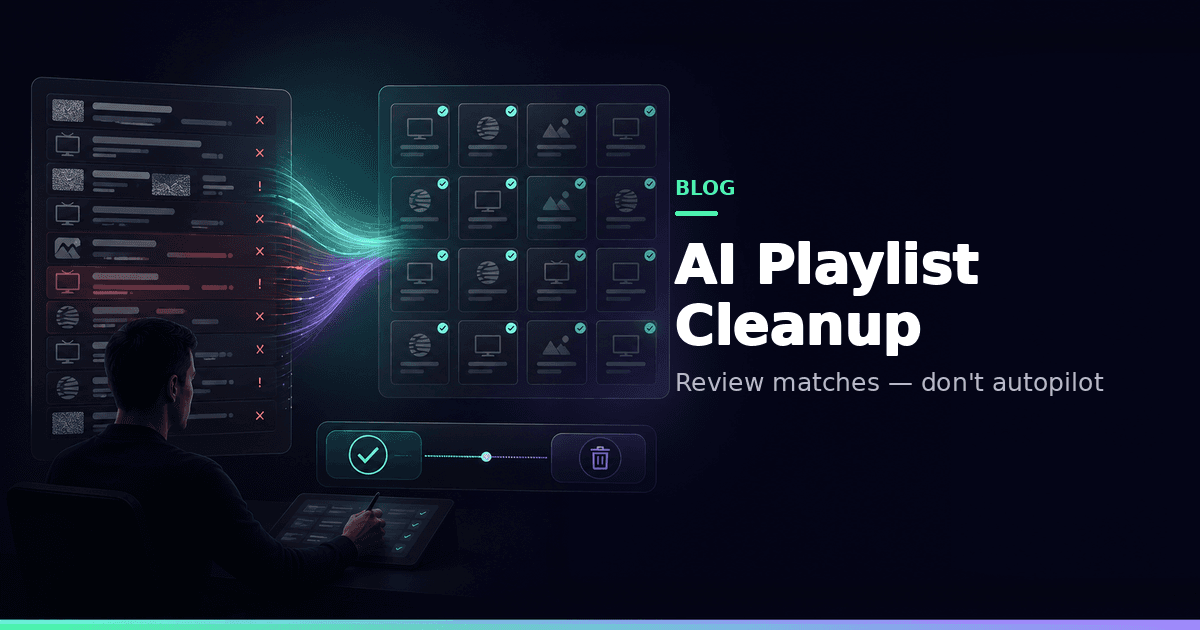
That is exactly what AI for IPTV playlist cleanup should mean: assisted renaming, quality tags and logo suggestions with you approving every change — not unsupervised chaos and not a free-form "find me something to watch" chatbot.
GridStreamr's shipping product here is AI Enhance Channels for live TV rows in Smart Collections.
What enrichment does
When you run a batch, enrichment can:
- Propose readable display names
- Detect language hints
- Tag stream quality (SD, HD, FHD, 4K) where detectable
- Infer useful content type labels
- Suggest missing logos
What it deliberately does not do
- Auto-apply without review
- Act as a conversational AI Assistant
Workflow
- Open a Smart Collection's live list
- On a channel, swipe or tap ⋯ → AI Enhance (next to Record), or ⋮ → AI Enhance Channels (Premium)
- Credits consume per run
- Review the suggestion list
- Accept / edit / reject, then apply
Region prefixes sometimes encode information you want to keep — that is why review exists.
Credits and Premium
| Requirement | Detail |
|---|---|
| Subscription | Premium (or trial) |
| Credits | In-app packs from $0.99 / 500 |
| Hosting | GridStreamr-hosted AI |
See also the credits deep-dive: AI live channels enrichment and credits.
AI vs desktop editors
Desktop M3U editors are great for one-off surgery. Weekly household hygiene on phone — with logos and TV-ready names — is where in-app enrichment wins. Compare approaches in GridStreamr vs IPTV Editor and the related blog.
After cleanup
- Map EPG once names stabilize
- Split Sports / Kids collections
- Export via secure sharing if another player needs the clean list
Free vs Premium
AI enrichment requires Premium + credits. Free still lets you manually curate one Smart Collection (20 entries).
Before / after intuition
Before: UK|PL|BBC One FHD [Server2] with a blank tile.
After (if you accept): BBC One with a logo, quality tagged FHD, language hint EN.
You might reject the rename if you rely on the server tag to pick a working backup. Enrichment is a suggestion engine, not a dictator.
Credits budgeting
Run enrichment on a working Smart Collection, not on a 5,000-row warehouse you will delete tomorrow. Smaller reviewed batches waste fewer credits and produce cleaner TV grids.
Pairing with parental controls
After logos and names look trustworthy, split Kids into its own collection and PIN-lock adult lists. Pretty logos do not make miscategorized adult streams safe — verification still matters (parental controls).
Compare path
If you are choosing between a desktop editor and in-app AI review, read GridStreamr vs IPTV Editor for the feature trade-offs.
Clean a live list with review
Premium + credits. You approve every rename and logo.
Frequently asked questions
Does AI enrichment add new IPTV channels?
No. It only proposes metadata changes on live TV entries you already imported from authorized Xtream or M3U sources.
Do changes apply without my approval?
No. You review suggestions and accept, edit or reject each row before anything is written to the Smart Collection.
Is this a Premium AI Assistant chat?
No. AI Enhance Channels is a batch review workflow inside the collection editor — not a conversational assistant product.
Do I need my own OpenAI API key?
No. Enrichment uses GridStreamr-hosted AI billed through in-app credit packs on top of Premium.
How is this different from TMDB?
AI enrichment targets live TV names/logos/tags. TMDB (Premium, your free API key) targets movies and series metadata in Smart Collections.
How much do credits cost?
Credit packs start from $0.99 for 500 credits in-app; regional pricing may vary. Credits are not a substitute for a Premium subscription.
Get started
Download gridstreamr free
Add your sources, build a Smart Collection, then upgrade to Premium in-app when you need more.
Related
Keep reading
Why IPTV Playlists Become Messy — and How to Fix Them
Why your provider IPTV lists arrive with cryptic names, duplicates and missing logos — and how Smart Collections plus AI review help you build a lineup you can actually use.
Readarrow_forwardGridStreamr vs IPTV Editors: AI Playlist Cleanup in Minutes, Not Days
Tired of manually renaming channels and matching EPG in IPTVeditor or M3U tools? GridStreamr Smart Collections plus AI enrichment and auto-EPG matching replace hours of playlist surgery with a review-first workflow on iPhone and Android.
Readarrow_forwardHow to Clean Up Messy IPTV Channel Names with AI Enrichment
How GridStreamr uses hosted AI to clean up live channel names, detect quality and content type, find logos, and what Premium and in-app AI credits mean in 2026.
Readarrow_forward