
Secure Sharing vs Password Sharing for IPTV
Why texting your real IPTV password is risky, and how you can share safely with GridStreamr virtual credentials, M3U Plus, and XMLTV — with revoke anytime.
Responsible use
GridStreamr does not provide IPTV channels, VOD, or playlists. You bring your own authorized Xtream Codes or M3U sources. You are responsible for complying with applicable terms, licenses, and local law.
The worst way to share IPTV access is still the most common: texting someone your real Xtream username and password. If they forward it, lose a phone, or leave credentials in a TV app forever, your entire subscription is exposed.
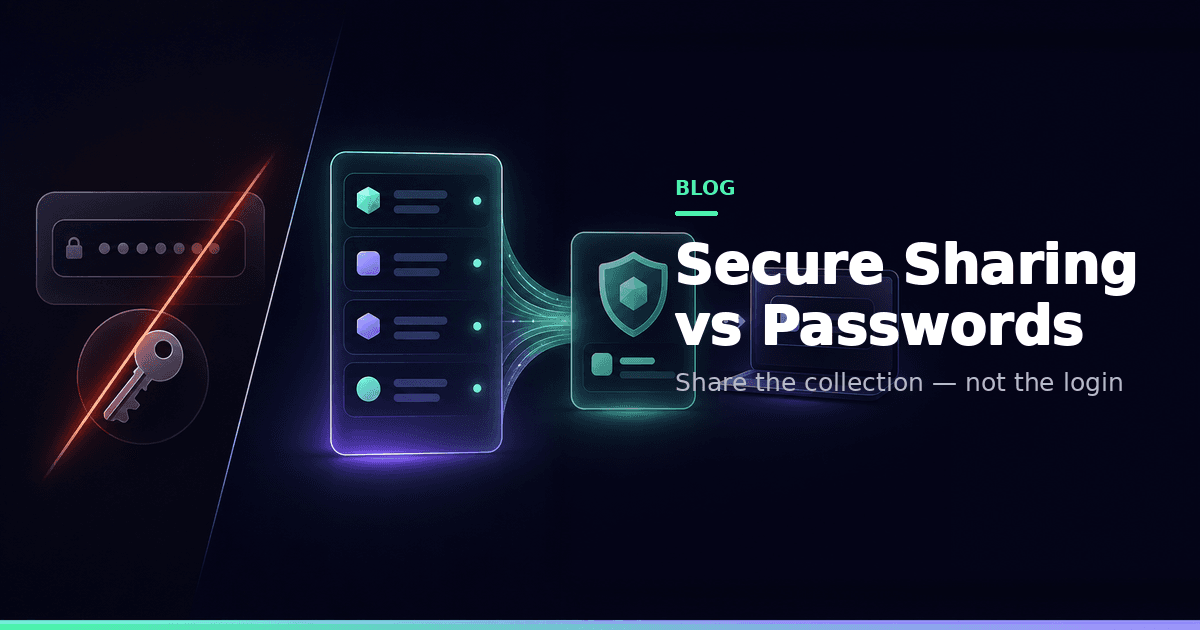
Secure playlist sharing replaces that habit with virtual credentials tied to a Smart Collection.
Why password sharing fails
- Recipients see every category on your line, not your kids-safe shortlist
- You can't revoke one person without rotating the master password for everyone
- Living-room apps cache logins on devices you don't control
- Concurrent-stream bans and support tickets often start with leaked credentials
How virtual credentials work
From a Smart Collection → Manage Shares, GridStreamr creates:
- Share code + token (Xtream-style user/pass behaviour)
- A GridStreamr share host (not your provider panel URL)
- Optional M3U Plus URL
- Optional XMLTV URL aligned with your EPG mapping
Recipients add those values in TiviMate, IPTV Smarters, IBO, Kodi, VLC, or GridStreamr. Playback resolves to channels in that collection only.
Deep dive: Virtual credentials explained.
Password sharing vs secure sharing
| Password forward | GridStreamr share | |
|---|---|---|
| Scope | Entire panel | One Smart Collection |
| Revoke one person | Change master password | Delete that share |
| Expiry | Rarely | Optional |
| Real credentials exposed | Yes | No |
| Guide for third-party apps | Forwarded upstream guide (messy) | Your mapped XMLTV export |
@username shares
If the recipient also uses GridStreamr, share to their @username for push notification and one-tap setup — no URL pasting.
Habits that keep households safe
- Curate the collection before sharing
- Prefer short expiry for guests
- Revoke when a device is lost or a roommate moves out
- Never screenshot real panel passwords into group chats
Free vs Premium
Sharing works on Free for your one collection (20 entries). Premium unlocks unlimited collections for larger family setups — see pricing.
Related
Real incident patterns (sanitised)
Households contact support after:
- A shared password ends up in a school group chat screenshot
- An old Fire Stick still has the panel login years later
- Someone "temporarily" added the login to a friend's Smarters and never removed it
Virtual credentials don't make people virtuous, but they make blast radius smaller.
Choosing expiry
| Recipient | Suggested expiry |
|---|---|
| Permanent household member | Long-lived, still revocable |
| Weekend guest | 48–72 hours |
| Debugging a friend's player | 24 hours |
You can always issue a new share later. You can't un-send a password screenshot.
Aligning EPG for recipients
If their app shows channels without programme titles, you probably shared playlist credentials without the XMLTV URL. Copy both from Manage Shares. Mapping quality still depends on the work you did in Manage EPG.
Share a collection, not a password
Virtual credentials. Revoke anytime. Your login stays private.
Frequently asked questions
Do recipients see my real Xtream password?
No. GridStreamr issues virtual credentials scoped to the Smart Collection. Recipients never see your provider host, username, or password.
Can I revoke access later?
Yes. Delete the share in Manage Shares and access for that token stops. You can also set an expiry when creating the share.
Will this work in TiviMate or Smarters?
Yes for players that accept Xtream-compatible credentials or M3U Plus URLs. Paste virtual credentials or the M3U Plus + XMLTV pair from Manage Shares.
Is sharing available on Free?
Yes within Free caps — one Smart Collection with up to 20 entries. Premium unlocks larger multi-collection household setups.
Does sharing give recipients every channel on my line?
No. Shares expose only what is in that Smart Collection — another reason to curate Kids and Sports lists deliberately.
Does GridStreamr provide the channels I share?
No. You share access to streams from sources you already connected and are authorized to use.
Get started
Download gridstreamr free
Add your sources, build a Smart Collection, then upgrade to Premium in-app when you need more.
Related
Keep reading
Virtual Credentials for Shared IPTV Playlists Explained
What GridStreamr virtual credentials are, how they differ from your real Xtream password, and how you can create, share, and revoke access to a Smart Collection.
Readarrow_forwardAI for IPTV Playlist Cleanup — Review, Don't Autopilot
How AI-assisted IPTV cleanup should work for you: names, logos and tags with human review. GridStreamr AI Live Channels Enrichment, credits, and how it differs from TMDB or a chat assistant.
Readarrow_forwardIPTV EPG Explained — Guides, Global EPG and Mapping
What an IPTV programme guide is, why provider guides break, and how you can use GridStreamr Global EPG, Free vs Premium timelines, and XMLTV exports for other players.
Readarrow_forward