
Best IPTV App for Android TV in 2026
GridStreamr for Android TV brings Smart Collections, Xtream Codes support and a big-screen EPG guide to your TV. Here's what to look for in a great Android TV IPTV app.
Responsible use
GridStreamr does not provide IPTV channels, VOD, or playlists. You bring your own authorized Xtream Codes or M3U sources. You are responsible for complying with applicable terms, licenses, and local law.
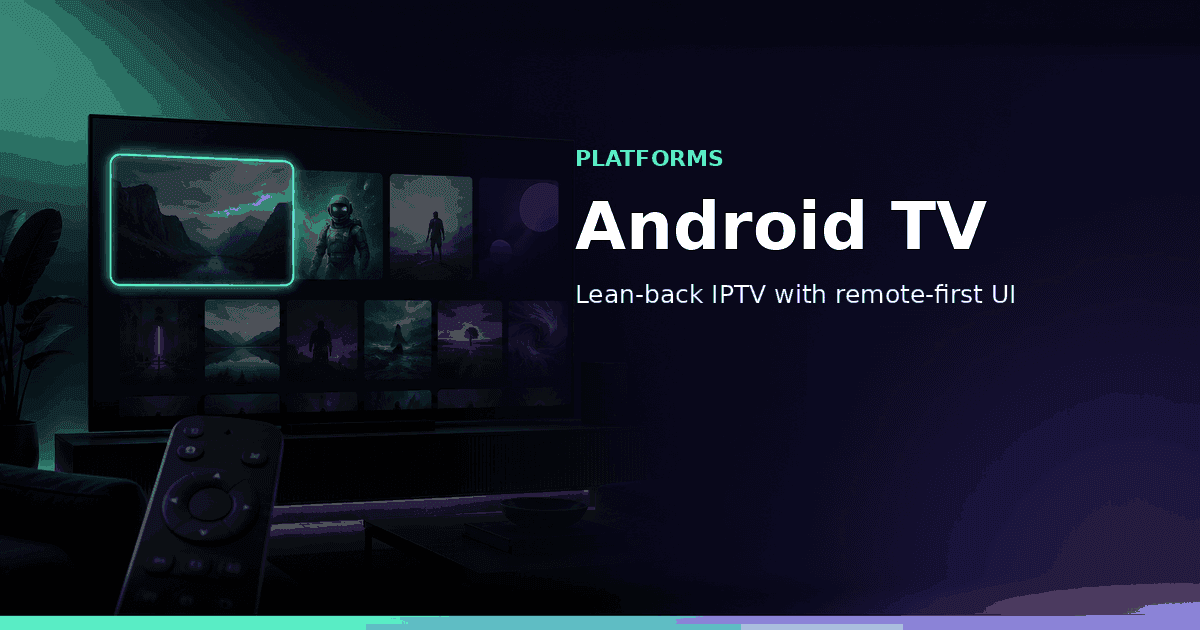
Android TV and Google TV are where most people want IPTV on the big screen. GridStreamr is built for that lean-back moment — but with one clear rule: the Android TV app watches Smart Collections only. You curate on your phone, QR-link the TV, and open the collection you care about — not a 3,000-channel provider dump.
What matters on the big screen
- Smart Collections as the only TV library — curated on phone, synced to the couch.
- Xtream Codes and M3U sources on mobile, then collections on Android TV.
- An EPG guide that's readable from across the room.
- Easy sign-in — QR code pairing, not remote keyboard entry.
- TimeShift to catch up on live TV when your provider exposes archive (Premium).
GridStreamr Android TV — what to expect
Install GridStreamr from Google Play on the TV and scan the QR with your phone. Your Smart Collections, EPG mappings, and Premium status sync from your mobile account. There is no raw Xtream browser on the TV — if a collection is empty, the living room stays empty. On Premium, you get full-day EPG timelines and Custom EPG Configuration from GridStreamr's global catalog.
How to get set up
On your phone: add Xtream or M3U, build a living-room Smart Collection, map EPG. On the TV: install from Play, QR-link, open the collection. Step-by-step: How to set up IPTV on Android TV.
Bring Smart Collections to your Android TV
Curate on phone, subscribe to Premium on iOS or Android, then watch collections on the big screen. Android TV requires Premium — no free tier or trial on TV.
Get started
Download gridstreamr free
Add your sources, build a Smart Collection, then upgrade to Premium in-app when you need more.
Related
Keep reading
Best IPTV App for iPhone in 2026
What makes a great IPTV app for iPhone? We look at Xtream Codes support, M3U compatibility, EPG, Smart Collections, and sharing, and why GridStreamr leads the pack in 2026.
Readarrow_forwardMultiView: Watch Up to Four Live Streams at Once
GridStreamr's new MultiView feature lets you configure split-screen sessions on your phone and instantly watch up to four live streams simultaneously on mobile or Android TV — perfect for sports, news and multi-camera setups.
Readarrow_forwardJellyfin Integration: Stream Your Self-Hosted Library from GridStreamr
GridStreamr now connects to your Jellyfin media server. Browse movies and series with rich metadata, switch subtitles and audio tracks live, and resume watching on iOS, Android and Android TV — all from one app.
Readarrow_forward