
Why IPTV Playlists Become Messy — and How to Fix Them
Why your provider IPTV lists arrive with cryptic names, duplicates and missing logos — and how Smart Collections plus AI review help you build a lineup you can actually use.
Responsible use
GridStreamr does not provide IPTV channels, VOD, or playlists. You bring your own authorized Xtream Codes or M3U sources. You are responsible for complying with applicable terms, licenses, and local law.
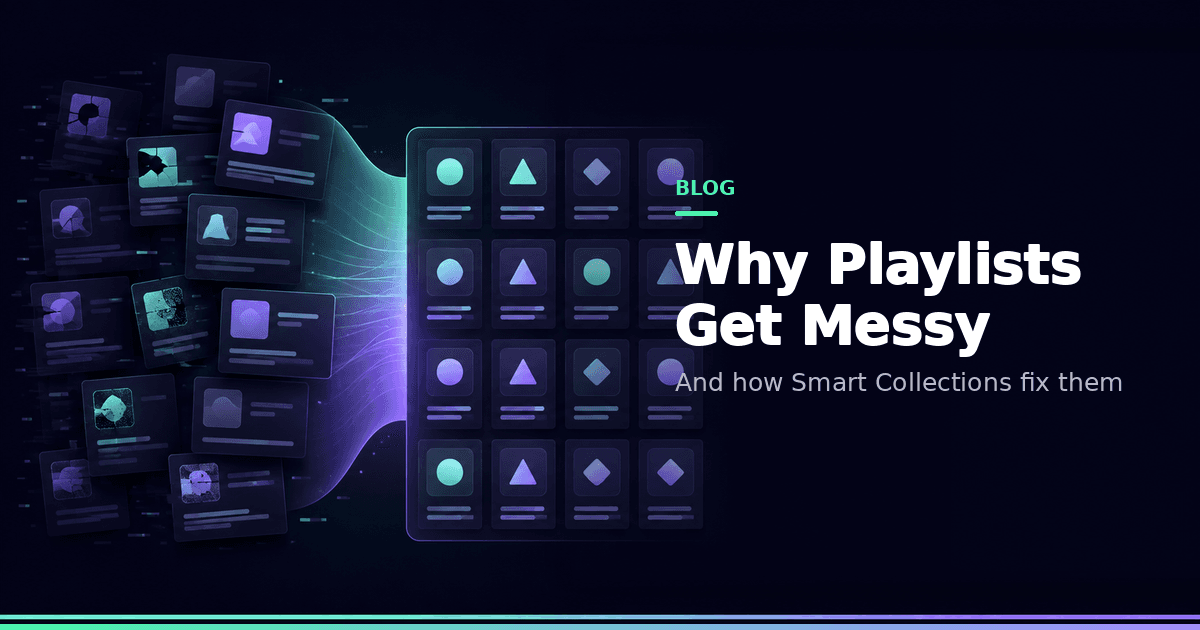
You open your IPTV app and scroll past US|PL|2|ESPN FHD [Backup], five copies of the same channel, and a Kids row that changed after the last provider refresh. Sound familiar? Your playlist is not broken — providers optimise for their panels, not your household remote. Backup feeds, region prefixes, missing logos and reshuffled categories are normal.
What "messy" usually looks like
- Names like
US|PL|2|ESPN FHD [Backup] - Five copies of the same channel at SD/HD/FHD/4K
- Empty logo tiles on Android TV grids
- "Kids" categories that are not safe after a provider refresh
- EPG IDs that do not match the stream you tuned
- Multi-provider homes with three incompatible category trees
Favorites alone do not fix this. Starring chaos still leaves chaos.
Root causes
Automated panel exports. Many lines are generated for resellers, not edited for end users like you.
Multi-region packs. The same brand appears under localised prefixes for different territories.
Backup and failover feeds. Useful for the panel; noise for your Sports shortlist.
Zero shared ID scheme. Merge two Xtream accounts and you inherit two guide ID systems — see EPG.
The fix: warehouse vs living room
Think of the provider browser as a warehouse — useful for browsing, terrible for daily watching. Build your living room as Smart Collections:
- Import sources once
- Create purpose collections (Sports, News, Kids, Locals)
- Copy only channels you actually watch
- Rename / reorder for humans
- Attach EPG after names stabilize
- On TV, open the collection — never the raw dump
Step-by-step: organise messy playlists.
AI helps — with review
Premium AI Enhance Channels can propose cleaner names, quality/language tags and missing logos. Nothing applies until you approve. That is catalog hygiene, not a chat "AI assistant," and it does not add channels you do not already have.
Credits are purchased in-app on top of Premium. TMDB for movies/series is a separate BYO-key workflow.
Free vs Premium for cleanup
| Need | Free | Premium |
|---|---|---|
| Sources | 1 Xtream + 1 M3U | Unlimited |
| Smart Collections | 1 × 20 entries | Unlimited × 2,000 |
| AI enrichment | — | Credits + review |
| Full-day EPG | — | ✓ |
Habits that keep lists clean
- Re-check Kids after every provider refresh
- Keep one quality tier per logical channel in Sports
- Prefer virtual secure shares over forwarding the raw panel password
- Curate on phone; consume on Android TV
Related reading
A weekly hygiene ritual
Fifteen minutes weekly beats a Saturday rebuilding everything:
- Glance at Kids after the provider's usual update day
- Remove dead Sports backups
- Re-run AI enrichment only on collections that changed
- Confirm EPG still matches renamed channels
- Revoke any guest shares you forgot about
Android TV specifically
Lean-back UIs punish giant lists. If your remote needs four clicks to reach a channel, the collection is too big. Keep living-room collections short even if the warehouse source stays large on the phone.
Build your first Smart Collection
Start free. Upgrade when one 20-entry list is no longer enough.
Frequently asked questions
Does GridStreamr fix my provider's playlist automatically?
No. You import authorized Xtream or M3U sources, then curate Smart Collections. Optional Premium AI enrichment suggests cleaner names and logos — you approve every change.
Why do channel names look like UK|BBC ONE FHD?
Panels often encode region, package and quality into the name for their own storefront. That is useful for the provider, not for a living-room remote.
Should I trust the provider's Kids category?
No. Miscategorized adult rows appear after refreshes. Build a Kids Smart Collection from channels you verified and PIN-lock warehouse lists.
Is Free enough to organise a messy list?
Free includes 1 Xtream, 1 M3U and 1 Smart Collection (20 entries) — enough to prove the workflow. Multi-provider homes usually need Premium.
Does cleaning playlists give me new channels?
No. GridStreamr does not provide IPTV content. Organisation only applies to sources you already connected.
Where is the step-by-step organise guide?
See How to organise messy IPTV playlists at /guides/organize-messy-iptv-playlists.
Get started
Download gridstreamr free
Add your sources, build a Smart Collection, then upgrade to Premium in-app when you need more.
Related
Keep reading
AI for IPTV Playlist Cleanup — Review, Don't Autopilot
How AI-assisted IPTV cleanup should work for you: names, logos and tags with human review. GridStreamr AI Live Channels Enrichment, credits, and how it differs from TMDB or a chat assistant.
Readarrow_forwardGridStreamr vs IPTV Editors: AI Playlist Cleanup in Minutes, Not Days
Tired of manually renaming channels and matching EPG in IPTVeditor or M3U tools? GridStreamr Smart Collections plus AI enrichment and auto-EPG matching replace hours of playlist surgery with a review-first workflow on iPhone and Android.
Readarrow_forwardIPTV EPG Explained — Guides, Global EPG and Mapping
What an IPTV programme guide is, why provider guides break, and how you can use GridStreamr Global EPG, Free vs Premium timelines, and XMLTV exports for other players.
Readarrow_forward