
IPTV EPG Guide — 50,000+ Channels and Custom Configuration
Electronic program guide for Smart Collections with GridStreamr Global EPG, full-day timelines, notification alerts, XMLTV export and widget now/next — Premium features on top of your own sources.
Responsible use
GridStreamr does not provide IPTV channels, VOD, or playlists. You bring your own authorized Xtream Codes or M3U sources. You are responsible for complying with applicable terms, licenses, and local law.
A channel list without a programme guide feels like a phone book without numbers — technically complete but exhausting to use. GridStreamr's EPG layer gives Smart Collections readable schedules, alerts, widget now/next text and XMLTV exports for external players — built on GridStreamr Global EPG (50,000+ channels) plus your Xtream provider's EPG when the panel exposes it. M3U sources usually need Global EPG mapping. Connecting a source does not auto-match the catalog.
Why IPTV EPG breaks so often
Provider-supplied guides are inconsistent:
- Stream IDs /
tvg-idvalues do not match the guide the panel returns - Only some tiers include usable provider EPG
- Listings update late or freeze for days
- Merged multi-provider lineups inherit several different ID schemes
Smart Collections fix the presentation layer: you curate channels once, then attach guide data that makes sense for your list — independent of upstream mess.
GridStreamr Global EPG
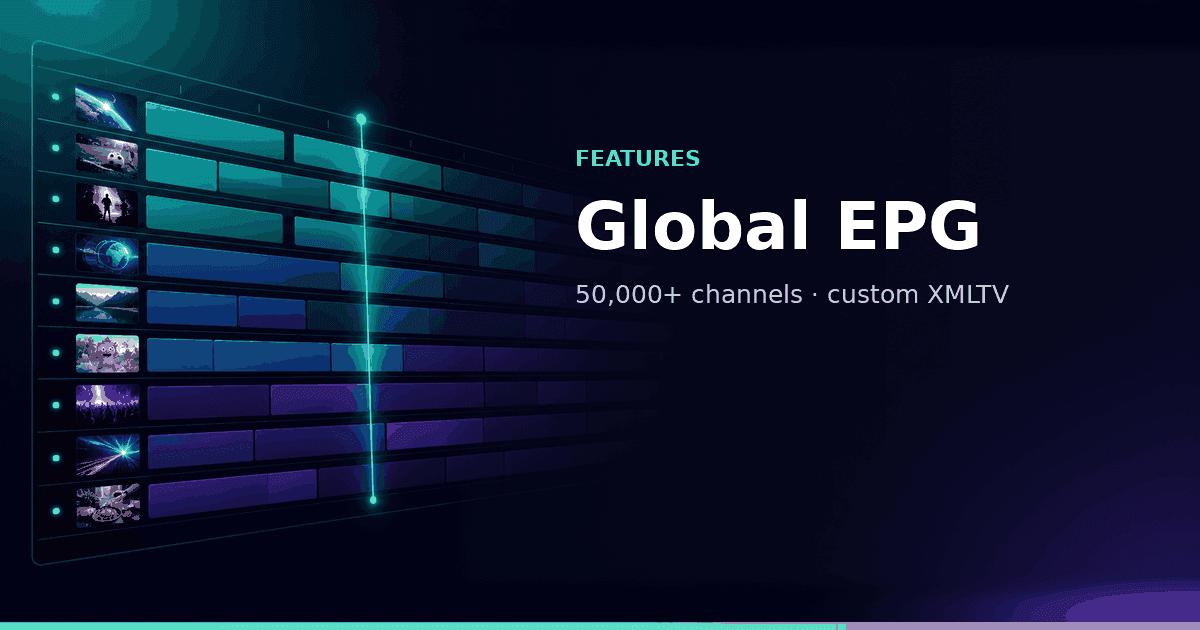
GridStreamr Global EPG is a catalog of 50,000+ channel definitions with programme schedules maintained for Smart Collection mapping. It is designed for situations where:
- Xtream provider EPG is missing or wrong (or the source is M3U)
- You merged channels from multiple sources
- You share a curated list and want recipients to see guide rows in TiviMate/Kodi via XMLTV export
Attach it per Smart Collection:
- Open collection → Manage EPG
- Select GridStreamr Global EPG
- Map each channel (or bulk map where IDs align) to guide entries
Documentation: Configure EPG for Smart Collections
Blog: How to add EPG to an IPTV playlist
Free vs Premium EPG experience
| Capability | Free | Premium |
|---|---|---|
| Current / next | ✓ | ✓ |
| Full-day timeline | — | ✓ |
| Custom EPG configuration | — | ✓ |
| EPG notification alerts | — | ✓ |
| Global EPG mapping | ✓ | ✓ |
| XMLTV export on shares | ✓ | ✓ |
| Home widget now/next (v2.2.3+) | Basic | Full context |
Free is enough to see what is on now while channel surfing. Premium is for planning your evening, sport reminders and scrollable day grids in the player.
EPG in the live TV player
Open live TV inside a Smart Collection:
- Free — current programme title and next slot on supported channels
- Premium — open the full timeline to scrub across the day's schedule, jump to later shows (where streams allow), and read descriptions where guide data includes them
Pair timeline view with TimeShift when your Xtream provider exposes archive — browse past listings and play catch-up from the same guide context.
Custom EPG configuration
Premium Custom EPG Configuration lets you:
- Reassign guide sources per channel when defaults miss
- Fix recurring mapping errors after provider lineup changes
- Standardize guide language or region variants for international households
After big provider reshuffles, revisit Manage EPG instead of rebuilding entire Smart Collections.
EPG notification alerts
Premium users configure push alerts before programmes start:
- Favorite series or sports teams
- Specific channels in a Smart Collection
- One-off reminders for live events
Set alerts from programme rows or channel settings. Channels need mapped EPG so start times are known.
XMLTV export for shared collections
External players often want two URLs: playlist and EPG.
From Manage Shares → XMLTV details:
- Copy the XMLTV URL
- Give recipients the M3U Plus or virtual Xtream credentials from the same share
- Paste both into TiviMate, Kodi or IPTV Smarters-compatible setups
Recipients see guide data aligned with your curated channel order and names, not your raw provider login.
Home screen widget now/next
From v2.2.3, the iOS and Android home widget can show current and next programme for pinned live channels:
- Settings → Home widget → pick Smart Collection and category
- Choose grid or list layout
- Tap a channel to jump into live playback
Widget text pulls from the same EPG mapping as in-app guide rows — keep Manage EPG current for accurate now/next.
Xtream provider EPG vs Global EPG
You can use both (per channel EPG source: Xtream or GridStreamr):
| Source | When to prefer |
|---|---|
| Xtream provider EPG | Panel IDs already match; guide includes provider-only channels |
| GridStreamr Global EPG | IDs broken; M3U sources; multi-provider merge; shared XMLTV exports |
Some users keep primary sports on Xtream provider EPG for accurate fight times and map everything else to Global EPG for coverage breadth. XMLTV from Manage Shares is an export for other players — not an import into source settings.
EPG and AI enrichment
AI Enhance Channels cleans channel names and logos; EPG supplies programme titles and times. Together they make grids readable:
- Enrich live channel metadata (Premium + credits)
- Map Global EPG rows
- Enable notification alerts for polished favorites
TMDB handles movies/series VOD metadata separately — EPG focuses on linear schedules.
Troubleshooting guide gaps
No programme rows after mapping
- Confirm channel still exists in upstream Xtream/M3U source
- Re-open Manage EPG and verify mapping target
- Allow time for Global EPG sync after edits
Wrong programme on channel
- Common when two networks share similar names — pick precise Global EPG entry
- Check provider changed broadcast region
Shared XMLTV empty in TiviMate
- Verify recipient uses XMLTV URL from the same share token as playlist
- Refresh EPG cache in external player
Widget shows stale now/next
- Open app to refresh; confirm collection EPG mapping updated (v2.2.3+)
EPG across your devices
Your GridStreamr account keeps EPG mapping in sync on iPhone, Android, Android TV, and Android Auto. Apple TV support is on the way.
Full-day timelines shine on Android TV’s big screen. In the car, stick to glance-safe alerts instead of scrolling the guide while driving.
EPG for shared household workflows
When one person maintains guide data and others only watch, establish a simple split:
- Curator (phone): owns Smart Collection edits, Manage EPG mapping, notification rules
- Viewers (TV / tablet): consume synced guide rows after sync — no remapping required
- External player users: receive XMLTV URL once from Manage Shares; remind them to refresh EPG cache after you remap channels
If a roommate reports "wrong show on channel 12," fix mapping on the curator device; changes propagate on next app open for GridStreamr clients. TiviMate or Smarters users may need manual EPG refresh in their player settings.
Daylight saving and timezone edges
Programme times in GridStreamr respect device timezone and the TZ variable on Home DVR Docker hosts. After DST jumps:
- Spot-check a few news channels against broadcast reality
- Revisit recording schedules on NAS DVR if jobs drift by one hour
- Sports fans: confirm global EPG entry matches your feed region — some networks air delayed on IPTV vs OTA
Responsible use
EPG data describes publicly scheduled programming. Accessing streams still requires authorized sources. Do not use guide features to imply GridStreamr supplies broadcasts you have not licensed through your provider.
Unlock full-day EPG
Premium adds timelines, custom mapping and notification alerts on top of your own playlists.
Related reading
Frequently asked questions
Does GridStreamr provide EPG for channels I do not have?
GridStreamr Global EPG covers 50,000+ channel definitions worldwide. You map guide rows to channels in your Smart Collections from sources you already connected. GridStreamr does not grant access to streams you do not import.
What EPG do Free users get?
Current and next programme information on supported channels. Premium unlocks the full-day EPG timeline, custom EPG configuration, notification alerts and richer widget now/next display.
How do I attach Global EPG to a Smart Collection?
Open the Smart Collection → Manage EPG → select GridStreamr Global EPG. Map channels to guide entries so programme rows appear even when Xtream provider EPG is incomplete.
Can I export EPG for TiviMate or Kodi?
Yes. From Manage Shares → XMLTV details, copy the EPG URL and use it alongside shared M3U Plus or virtual Xtream credentials in third-party players.
Do EPG notifications work on all platforms?
EPG notification alerts are a Premium mobile feature — configure alerts for channels, shows or sports teams and receive push notifications before programmes start.
Is EPG data a substitute for IPTV content?
No. EPG describes what airs on channels; you still need authorized Xtream or M3U sources for actual streams. GridStreamr does not provide broadcasts.
Get started
Download gridstreamr free
Add your sources, build a Smart Collection, then upgrade to Premium in-app when you need more.
Related
Keep reading
Sports Hub: Scores, Standings, and the Match on Your Playlist
Premium Sports Hub on iPhone, iPad, and Android follows teams, players, and leagues, then opens a matching channel from your own IPTV playlist. Apple TV (tvOS) and Android TV are coming soon.
Readarrow_forwardAI Channel Categorization
AI Channel Categorization — practical GridStreamr guidance for organize iptv channels ai. Bring your own Xtream or M3U sources; we handle organisation, EPG and playback tools.
Readarrow_forwardEPG Notification Alerts
EPG Notification Alerts — practical GridStreamr guidance for iptv epg notifications. Bring your own Xtream or M3U sources; we handle organisation, EPG and playback tools.
Readarrow_forward